How to cancel your subscription
You can cancel in a minute from your profile. You keep access until the end of the period you already paid for.
- 1
Log in to Skilnex with the email you used to buy.
- 2
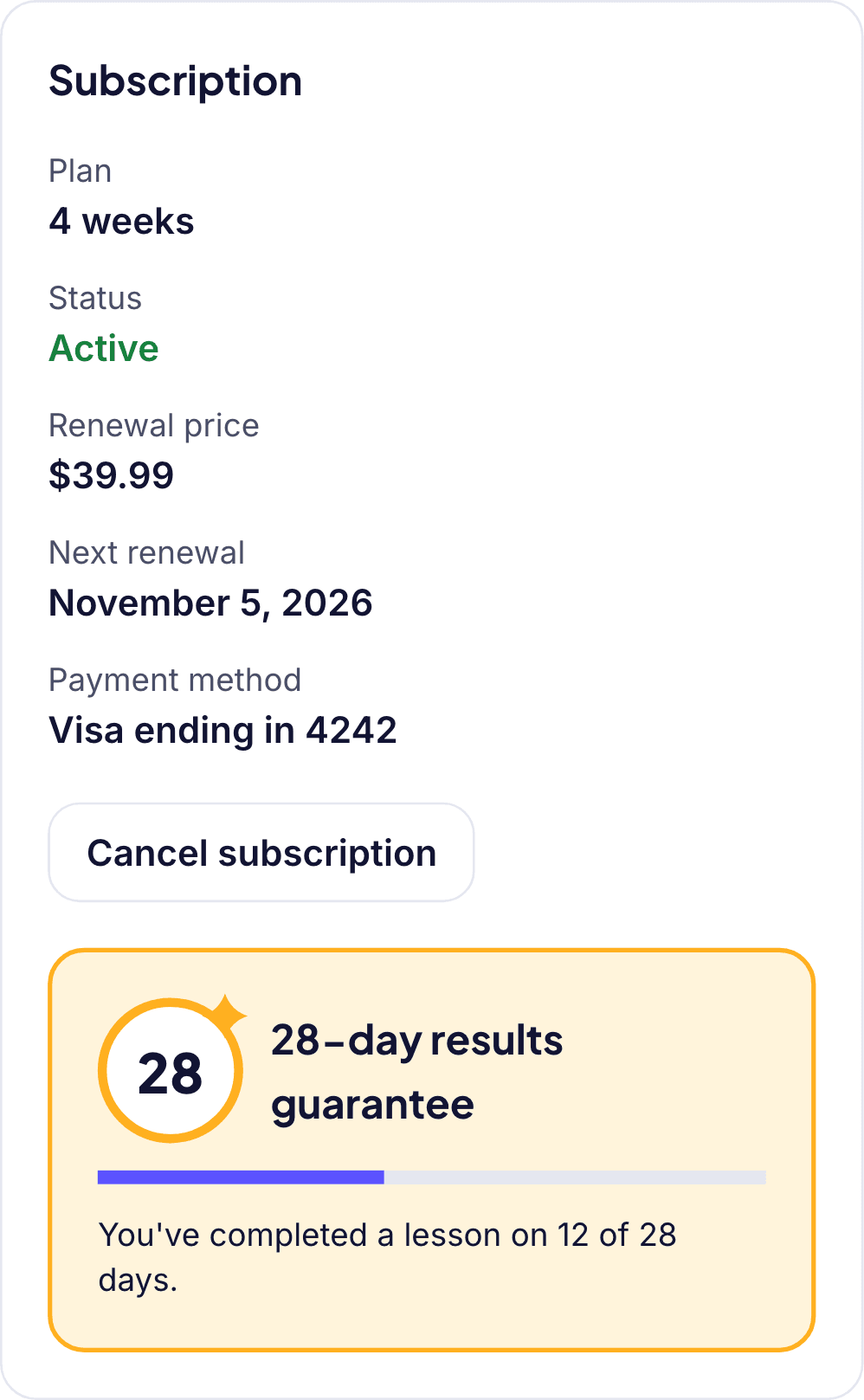
Open your profile and go to Subscription.
- 3
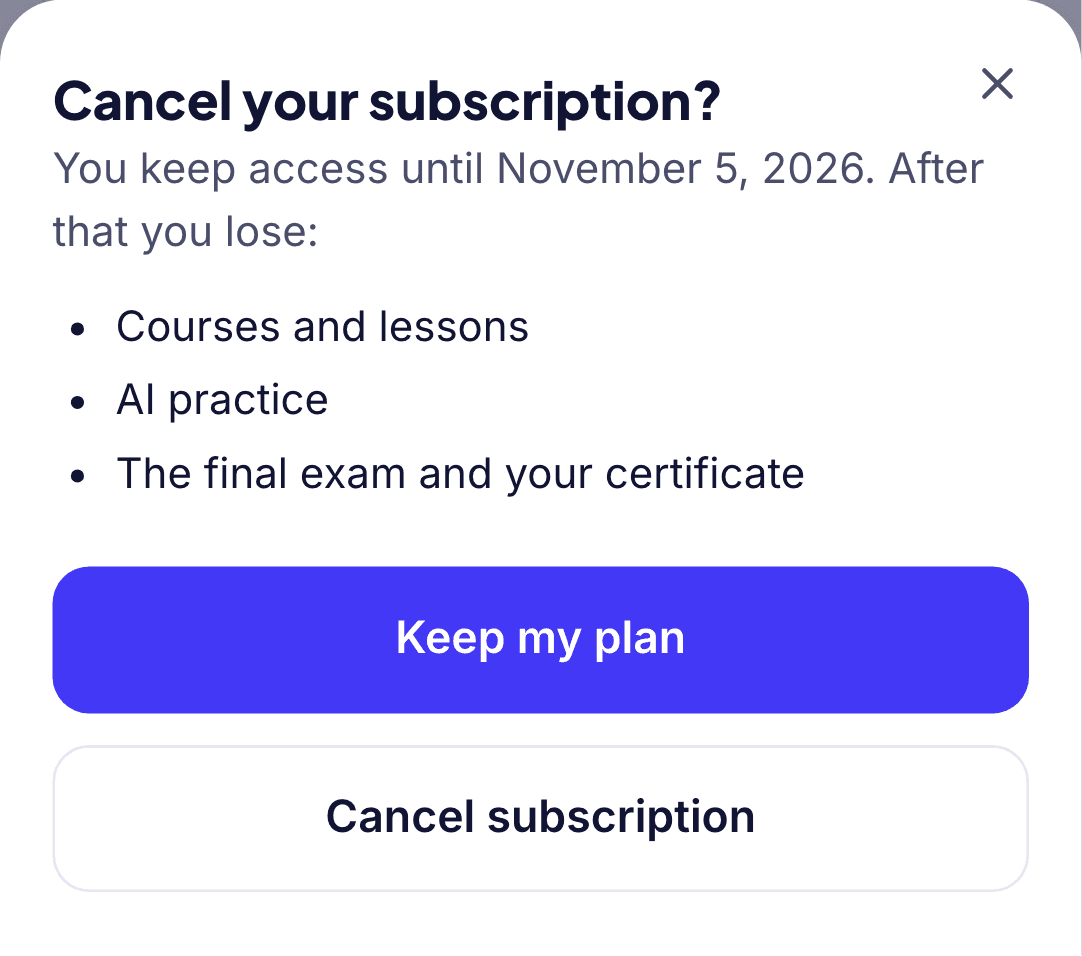
Tap "Cancel subscription" and confirm.
- 4
Done: there will be no more charges and you keep access until the end of the period.
Can't log in? Email us at [email protected] and we'll sort it out.