Skip to content

Learn AI in 28 days and earn your certificate

5-minute lessons, real practice with AI models from OpenAI, Anthropic, and Google, and a verifiable certificate for your resume and LinkedIn.

Get started


Skilnex presenter
  • ChatGPT
  • Claude
  • Gemini
  • Midjourney
  • Perplexity
  • Copilot
  • DeepSeek
  • Canva
  • Zapier
  • n8n

AI won't replace you. Someone who knows how to use it will. Be that person.

Why learn with Skilnex

Real AI practice

Practice every lesson with AI models from OpenAI, Anthropic, and Google, inside Skilnex.

  • 28-day program

    One step a day, at your pace, from zero to certified.

  • 25+ tools

    ChatGPT, Claude, Gemini, Canva, CapCut, NotebookLM and more, across 22 courses.

  • 5-minute lessons

    Learn on your phone, whenever you have a moment.

  • Verifiable certificate

    Add it to LinkedIn and your resume with a code anyone can check.

  • 28-day guarantee

    Complete one lesson a day and if you're not satisfied, we'll refund you.

How it works

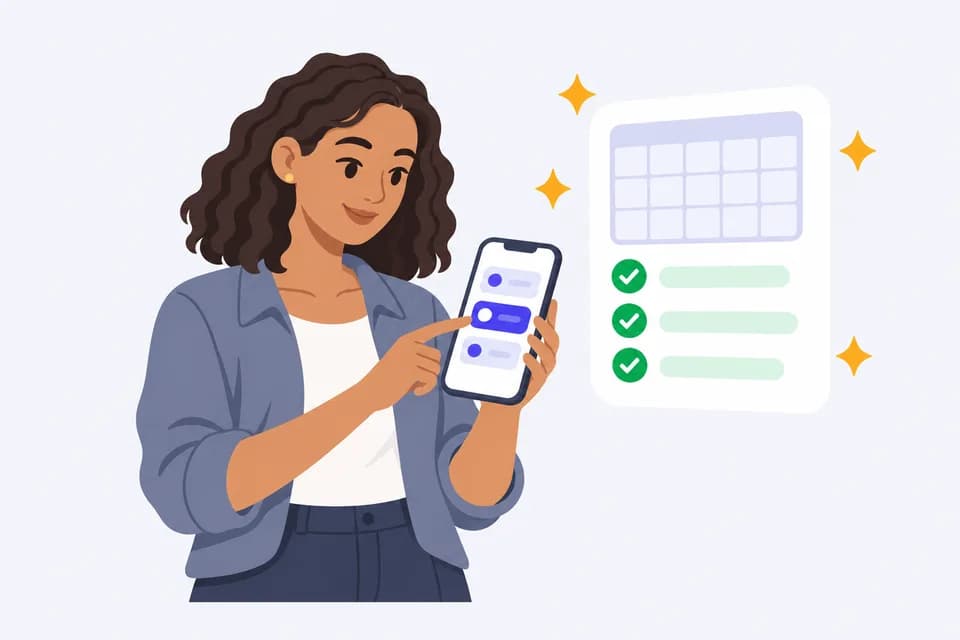
From curious to certified in three steps
  1. 1

    Take the quiz and get your plan

  2. 2

    Learn 15 minutes a day, with real practice

  3. 3

    Pass the exam and share your certificate

Master the most-used AI tools

22 courses and 25+ tools, in English and Spanish

  • AI and Prompting Fundamentals

    • Prompt anatomy
    • Spotting hallucinations
    • Using AI wisely
  • Productivity with ChatGPT

    Tools
    ChatGPT
    • Files and web search
    • Emails and meetings
    • Data analysis
  • Productivity with Claude

    Tools
    Claude
    • Long documents
    • Writing in your voice
    • Professional reports
  • Productivity with Gemini

    Tools
    Gemini
    • Deep research
    • Gemini in Workspace
    • Images and Canvas
  • Images with Midjourney

    Tools
    Midjourney
    • Image prompts
    • Consistent characters
    • Product photos
  • Research with Perplexity

    Tools
    Perplexity
    • Reading and checking sources
    • Market research
    • Daily news briefing
  • Productivity with DeepSeek

    Tools
    DeepSeek
    • Reasoning mode
    • Comparing models
    • Spreadsheet formulas
  • Productivity with Microsoft Copilot

    Tools
    Microsoft Copilot
    • Word, Excel, and PowerPoint
    • Outlook and Teams
    • Prompts for the office
  • AI for Marketing

    • Ideal customer
    • Ad copy
    • Campaign metrics
  • AI for Sales

    • Prospecting messages
    • Handling objections
    • Sales proposals
  • AI for Data Analysis

    • Cleaning data
    • Formulas and charts
    • Data storytelling
  • AI Content Creation

    • Hooks and headlines
    • Video scripts
    • Personal brand
  • AI Images and Video

    • Visual prompt formula
    • Photo editing
    • Script to storyboard
  • AI Task Automation

    Tools
    Zapier, Make, and n8n
    • Process mapping
    • Triggers and actions
    • Human review
  • AI in WhatsApp with Meta AI

    Tools
    Meta AI and WhatsApp
    • Customer replies
    • Catalog copy
    • Chat privacy
  • Design with AI

    Tools
    Canva
    • Design briefs
    • Brand kit
    • Social media posts
  • Short Video with AI

    Tools
    CapCut, Kling, and Higgsfield
    • 30-second scripts
    • Cuts and captions
    • Social formats
  • Presentations with AI

    Tools
    Gamma
    • Outline first
    • Data slides
    • Speaker notes
  • Research with Your Own Sources

    Tools
    Gemini Notebook
    • Answers with citations
    • Comparing sources
    • Study guides
  • Voice with AI

    Tools
    ElevenLabs
    • Writing for the ear
    • Narration and dubbing
    • Voices with consent
  • Apps Without Code

    Tools
    Lovable, Bolt, and Replit
    • Idea to spec
    • Testing your app
    • Data and security
  • AI in Your Office

    Tools
    Microsoft 365 and Google Workspace
    • Email and documents
    • Spreadsheets and meetings
    • Two suites, one method

Frequently asked questions

Do I need to know AI to start?

No. The program starts from zero and adapts to your level based on the quiz.

How much time do I need each day?

Between 10 and 20 minutes, depending on the goal you choose.

Which tools will I learn?

ChatGPT, Claude, Gemini, Midjourney and more, with practice inside Skilnex.

What is the certificate?

A Skilnex certificate of completion with a verifiable code you can share on LinkedIn and add to your resume.

How does the subscription work?

You pay the introductory price of the plan you choose and it renews automatically at the stated price until you cancel.

How do I cancel?

From your profile, under Subscription, in one click. You keep access until the end of the paid period.

Ready to work with AI?

Take the 1-minute quiz and get your plan.

Get started